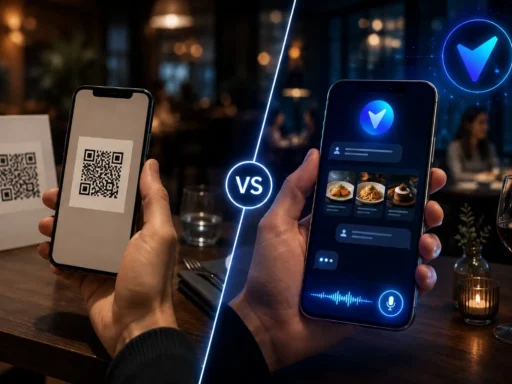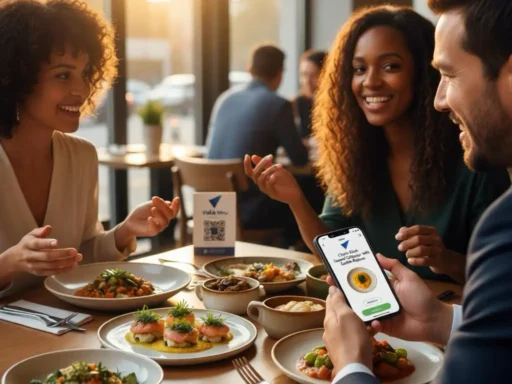


A QR menu is a good starting point for a restaurant. It gets the menu onto the guest’s phone quickly, removes the need for constant reprints, and makes updates easier.
But a QR menu on its own does not always help guests decide what to order. It may show the menu clearly, but guests still need help with recommendations, ingredients, allergens, calories, language, and dish explanations.
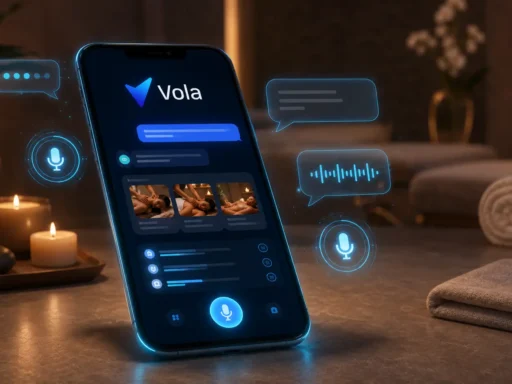
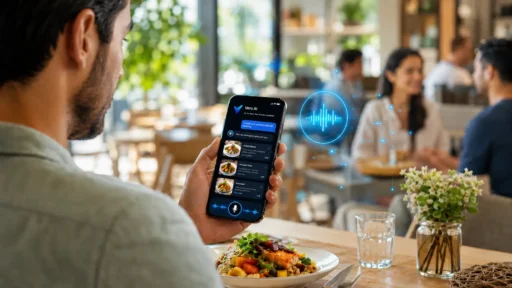
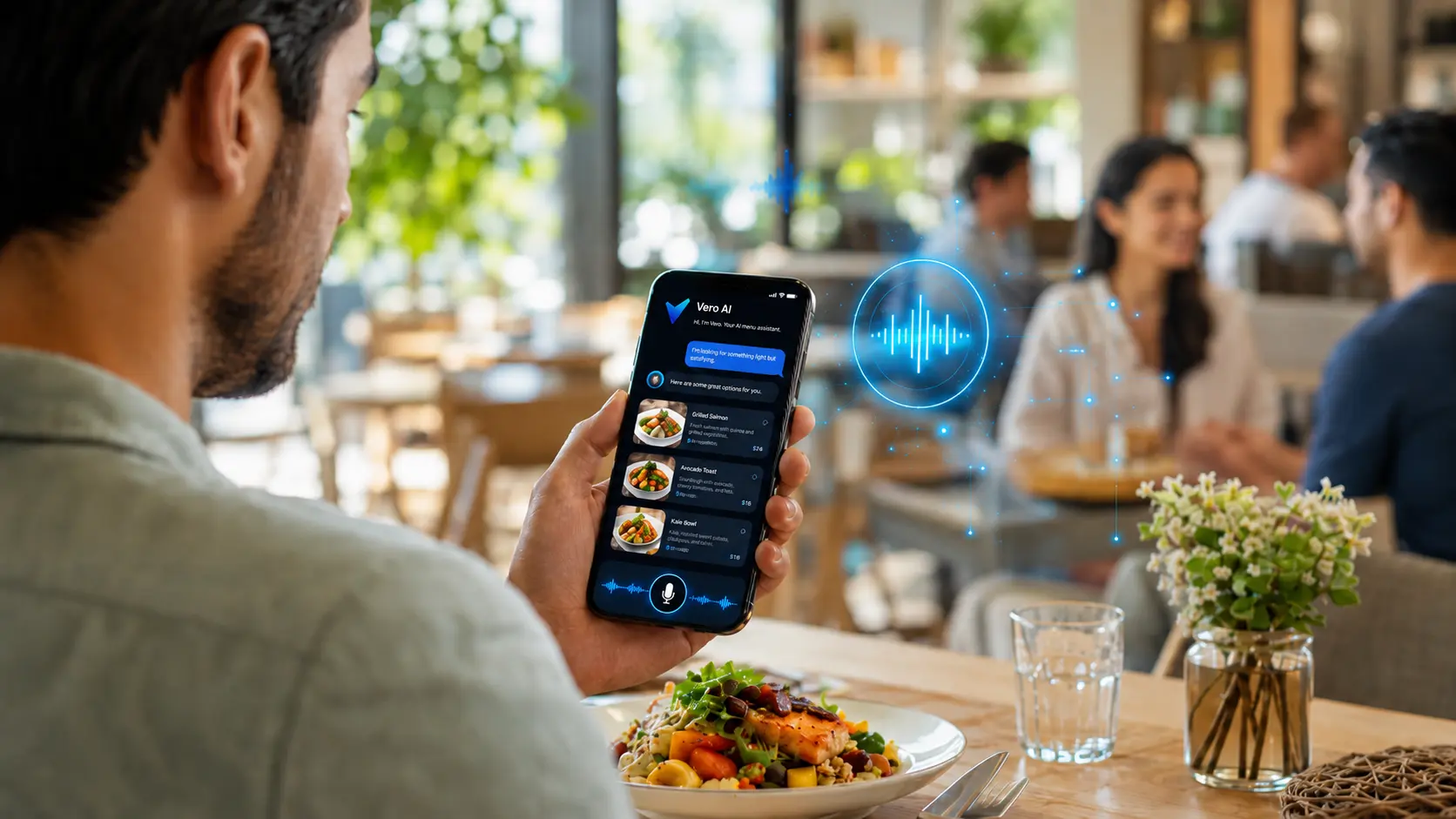
That is where Vola AI upgrades the experience. Vola turns a QR menu for restaurants into an AI-powered menu assistant that guests can use by chat or voice.
What a QR menu does well
QR menus became popular because they are simple and practical. A guest scans a code and opens the menu. For restaurants, this is easier to manage than printed menus or outdated PDFs.
A QR menu can help restaurants:
- Update menu items faster.
- Change prices without reprinting menus.
- Share the menu across tables, counters, websites, and social media.
- Reduce physical menu handling.
- Give guests quick mobile access.
These benefits are useful. The problem is what happens after the guest opens the menu.
The real problem is not access. It is understanding.
Most guests do not struggle to open a menu. They struggle to choose from it.
A guest might see twenty dishes and still wonder:
- What is the best option for a first-time visit?
- Which item is lighter?
- Does this dish contain dairy or nuts?
- How many calories does this have?
- Which dish is good for sharing?
- Can someone explain this item in my language?
A basic QR menu cannot always answer those questions. Staff can help, but during busy hours, guests may wait or simply choose the safest option.
How AI makes a QR menu smarter
An AI QR menu adds a conversation layer to the menu. Instead of only browsing, guests can ask questions in plain language.
With Vola, guests can ask about:
- Dish recommendations.
- Ingredients and preparation.
- Allergens and dietary concerns.
- Calories and lighter options.
- Spice level.
- Pairings and add-ons.
- Menu explanations in their preferred language.
This turns the QR code from a menu link into a smart restaurant touchpoint.
Example: a guest who does not know what to order
In a static menu, the guest scrolls and guesses. With Vola, the guest can ask, “What do you recommend if I want something light but filling?”
Vola can guide the guest toward relevant menu options based on the restaurant’s menu context. This helps the guest make a faster and more confident decision.
Example: a guest with allergen questions
Guests often ask about nuts, dairy, gluten, seafood, eggs, and other ingredients. A normal menu may include some notes, but guests may still need clarification.
Vola can help guests ask allergen-related menu questions and understand available menu information more clearly. It should not be used as a medical or safety guarantee, but it can make the menu conversation easier and more useful.
Example: an international guest
In tourist-heavy restaurants, language affects ordering confidence. A guest may understand a translated dish name but still not understand the flavor, preparation, or ingredients.
Vola supports multilingual menu conversations, helping guests ask follow-up questions in their preferred language.
Example: a restaurant that wants better upselling
Upselling works best when it feels helpful. Vola can recommend relevant add-ons, pairings, signature items, or premium options when they match the guest’s question.
For example, if a guest asks what pairs well with a main dish, Vola can suggest a side or drink where the menu supports that answer. This is natural menu discovery, not pushy selling.
Why restaurant managers should care
A smarter QR menu can support daily operations. Staff often repeat the same menu explanations during service. Vola can help guests get basic answers first, so staff can focus on hospitality and final confirmation when needed.
This is especially helpful for restaurants with:
- Large menus.
- Detailed dish descriptions.
- Tourist or multilingual guests.
- Common allergen questions.
- Calories or dietary preference questions.
- Premium dishes or add-ons that need better visibility.
What to prepare before upgrading a QR menu
An AI-powered menu works best when the restaurant’s menu information is clear. Before upgrading, restaurants should prepare useful menu data.
Helpful details include:
- Clear item names.
- Short but useful descriptions.
- Main ingredients.
- Allergen notes where available.
- Calories where available.
- Preparation style, such as grilled, fried, baked, creamy, or spicy.
- Pairings, add-ons, and signature item tags.
This helps the assistant give more useful menu guidance.
What Vola is not
Vola should not be described as a waiter replacement, POS system, payment platform, full ordering system, medical nutrition tool, or allergy safety guarantee.
The correct positioning is clearer and stronger: Vola is an AI menu assistant that makes the QR menu experience smarter.
Bottom line
A QR menu is useful because it gives guests access. But access alone is not enough when guests need help choosing.
Vola helps restaurants make the QR menu smarter with AI chat, voice, recommendations, allergens, calories, and multilingual support.
Ready to make your QR menu smarter? Start for free and turn your menu into a smart conversation with Vola AI.
FAQ
What is a QR menu for restaurants?
A QR menu lets guests scan a code and open a restaurant menu on their phone. It is commonly used as a digital alternative to printed menus.
How does Vola make a QR menu smarter?
Vola adds AI chat and voice assistance, so guests can ask about recommendations, ingredients, allergens, calories, and language support instead of only browsing.
Is Vola only a QR menu?
No. The QR code is the access point. Vola is an AI menu assistant that turns the menu into a smart conversation.
Does Vola handle ordering or payments?
No. Vola is currently focused on menu assistance. It is not positioned as a POS, payment, or full ordering system.